SVG Logo Files: Why Your Small Business Needs a Vector Version
A sharp SVG version of your logo saves money on signs, shirts and websites. What vector files are, when you need one and how to get a clean conversion.
3 minute read
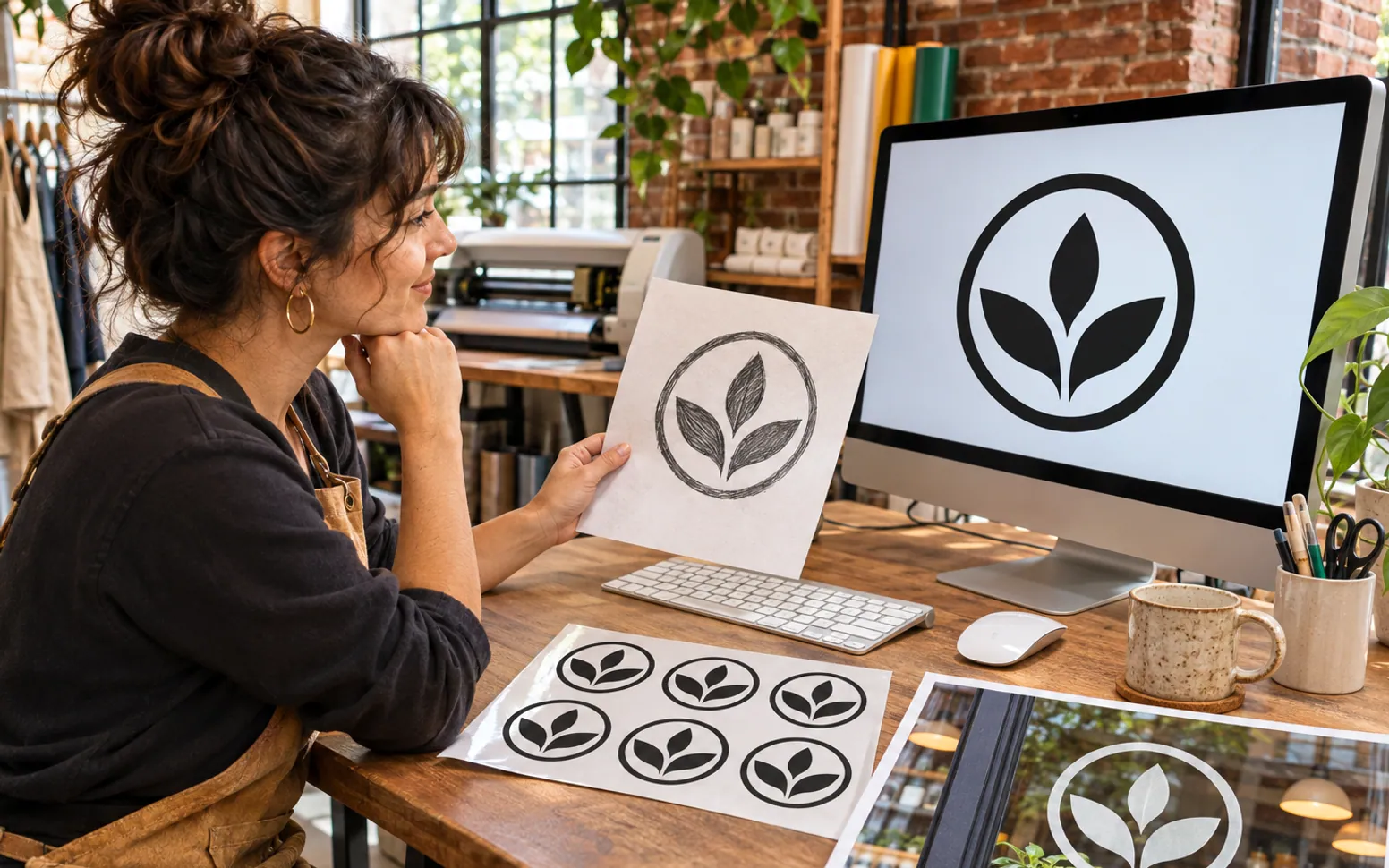
Sooner or later every new business hits the same snag: the sign shop, the T-shirt printer or the web designer asks for "a vector file of the logo," and all you have is a small PNG pulled from a social profile. Getting that file sorted early saves money, time and a lot of fuzzy-looking storefront graphics.
What a Vector File Actually Is
Most images you handle every day, such as photos, screenshots and JPGs, are made of pixels. Stretch them and the pixels get bigger, so edges turn soft or jagged. A vector file stores shapes as mathematical paths instead. You can scale it to the size of a business card or the side of a delivery van and the edges stay crisp.
SVG (Scalable Vector Graphics) is the most common vector format on the web. Browsers display it natively, it stays small in file size, and most design and print tools can open it. Printers may also ask for EPS or PDF, but a clean SVG is usually the easiest starting point to convert from.
Where a Small Business Needs It
- Signage: window lettering, a blade sign or a banner for a market stall all get cut or printed from vector artwork.
- Merchandise: embroidery, screen printing and vinyl cutting all work from paths, not pixels.
- Your website: an SVG logo looks sharp on high-resolution phone screens and loads quickly, which also helps the speed side of local SEO.
- Print collateral: menus, flyers and price lists look professional when the logo is not a blurry square in the corner.
Getting From a Picture to a Clean SVG
If a designer made your logo, ask them for the original vector files first. Many owners discover the files already exist in an old email thread. If they don't, you have two routes.
The first is to have the logo redrawn by hand. A designer traces the shapes and rebuilds the lettering, which gives the cleanest result and is worth paying for if the logo is detailed or will go on large signage.
The second is automatic conversion. Online tools now turn pics to svg in a few clicks, which works well for simple, high-contrast marks: a bold wordmark, a flat icon or a one- or two-colour badge. Start from the largest and cleanest image you can find, remove any background first, and check the result by zooming in on curves and small text.
How to check a converted file
- Open it in a browser and zoom to 400 percent: edges should stay smooth.
- Look for stray specks or extra nodes around letters, which printers will notice.
- Confirm the colours match your brand values, not slightly shifted versions.
- Keep the original image alongside the SVG so you can redo it if needed.
Keep a Simple Brand Folder
Once you have a good file, store it where everyone who needs it can find it: an SVG of the full logo, a square version for social profiles, a one-colour version for stamps and engraving, and a short note with your colour codes and fonts. It takes an hour to set up and saves repeated requests to whoever made the logo.
This kind of groundwork pairs well with the other early decisions in a small business plan. Neither is glamorous, but both make every later step cheaper and faster.
 Opening a Vape Shop: Stock, Rules and Age Checks2 minute read
 TV Screens in a Small Business: What to Check Before You Mount One5 minute read
 Employee vs. Independent Contractor: How to Classify Your First Hires4 minute read